Development Guide
Architecture
The diagram below is generated with GitDiagram.
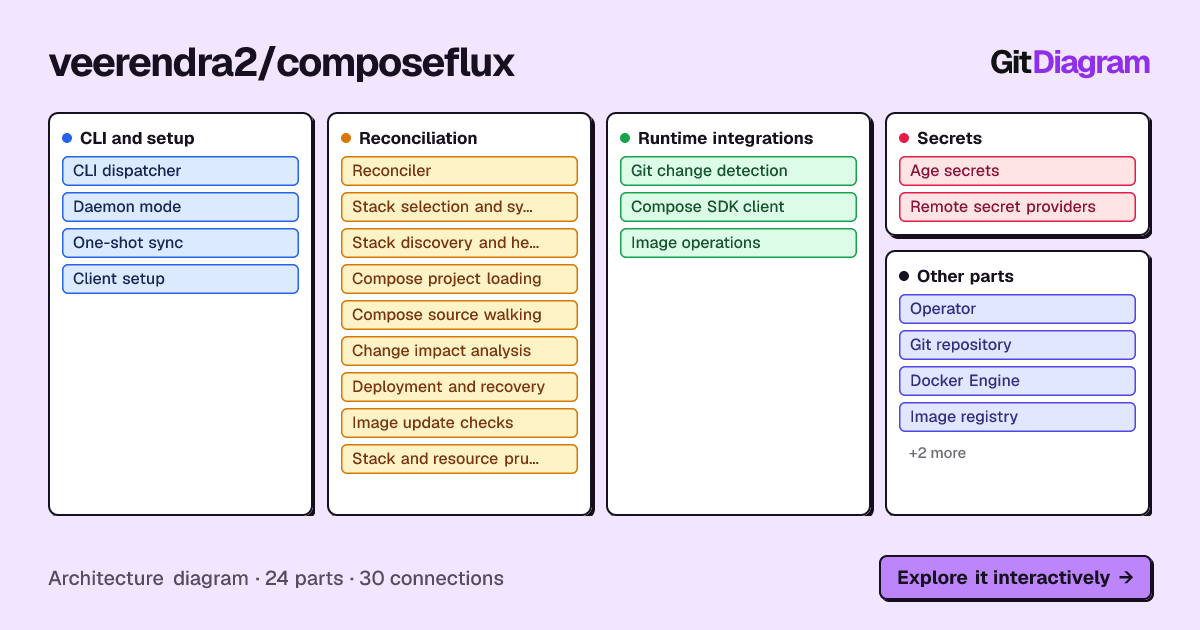
The same diagram is available as a live embed:
Prerequisites
- Go 1.27+
- Docker
- Task
Platform Requirements:
- Linux:
musl-gcc - macOS: Xcode Command Line Tools
CGO must be enabled (
CGO_ENABLED=1, already set inTaskfile.yml) because ComposeFlux uses the Bitwarden Go SDK, which calls into the Bitwarden Rust SDK via FFI using cgo. See Bitwarden SDK Go instructions.
Quick Setup
git clone https://github.com/veerendra2/composeflux.git
cd composeflux
go mod download
task install    # Install dev tools
task build
./dist/composeflux --help
MkDocs Local Setup
The repository .envrc configures a Python virtual environment for direnv and pyenv users. Without direnv, create the
virtual environment manually:
Install MkDocs dependencies:
Serve documentation locally:
Available Tasks
task: Available tasks for this project:
* all:                Run comprehensive checks;  format, lint, security and test
* build:              Build the application binary for the current platform
* build-docker:       Build Docker image
* compose:            Run the application in development mode using Docker Compose
* fmt:                Formats all Go source files
* install:            Install required tools and dependencies
* lint:               Run static analysis and code linting using golangci-lint
* run:                Runs the main application
* security:           Run security vulnerability scan
* serve-docs:         Serve MkDocs documentation locally with live reload      (aliases: docs)
* test:               Runs all tests in the project                            (aliases: tests)
* vet:                Examines Go source code and reports suspicious constructs